
Image requirements
The image you submit for your show must be:
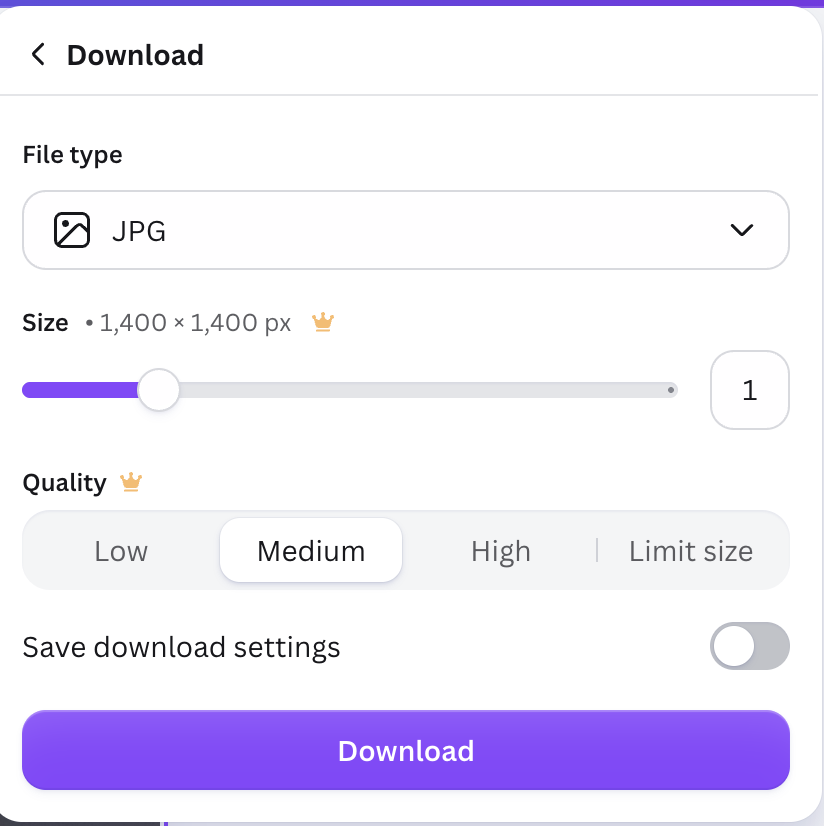
- 1400px x 1400px
- JPG or a PNG – the form will only accept files with extensions .jpg .JPG .jpeg .JPEG .png .PNG
- less than 2MB
This is the minimum requirements for submission to Spotify, MixCloud and Apple Podcasts.
Trouble submitting your image?
- Check your image does comply with the above requirements.
- Some browsers or browser settings may stop you from using the click function in the image field to upload from your files.
- If clicking on the field doesn’t seem to be working, try dragging your file to the area instead.
- If you cannot do either, it may be worth trying a different browser if you have one installed.
Creating your file
If you don’t have software that will help you create the right size, you can use Canva. Sign up for a free account if you don’t have one.
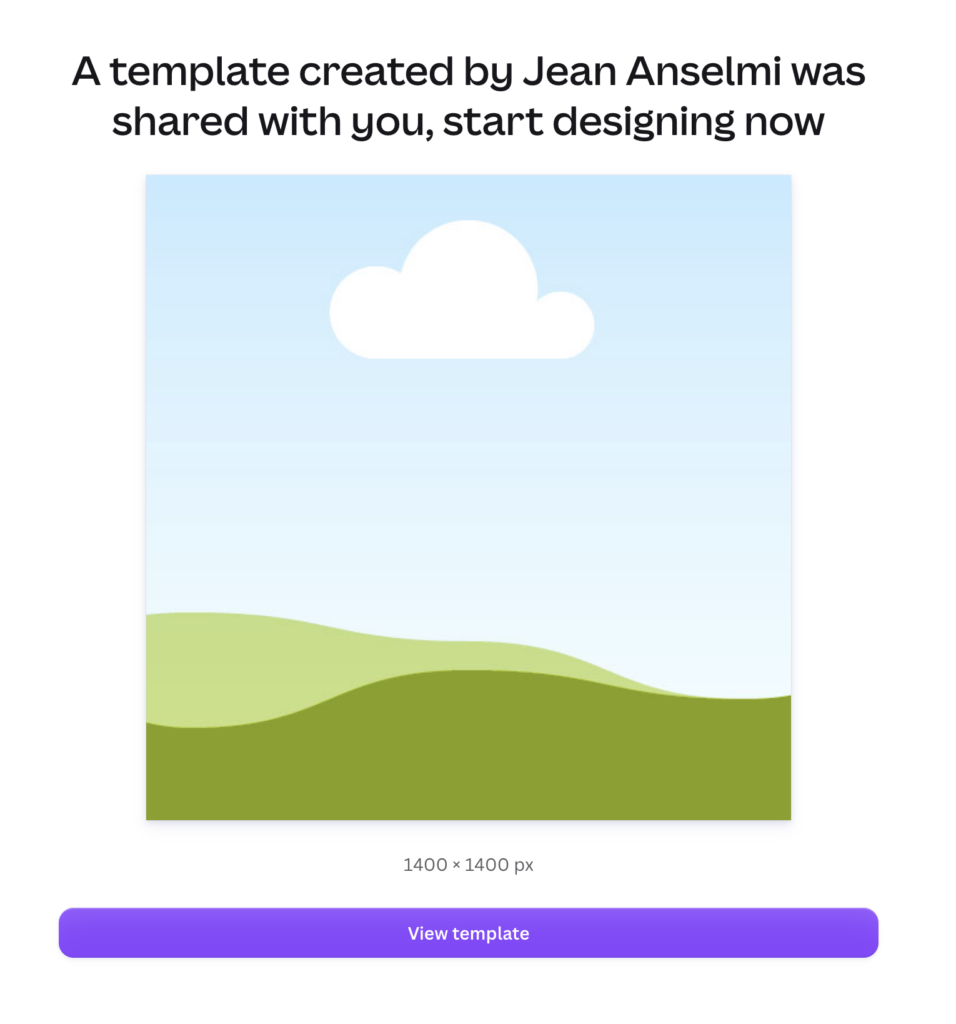
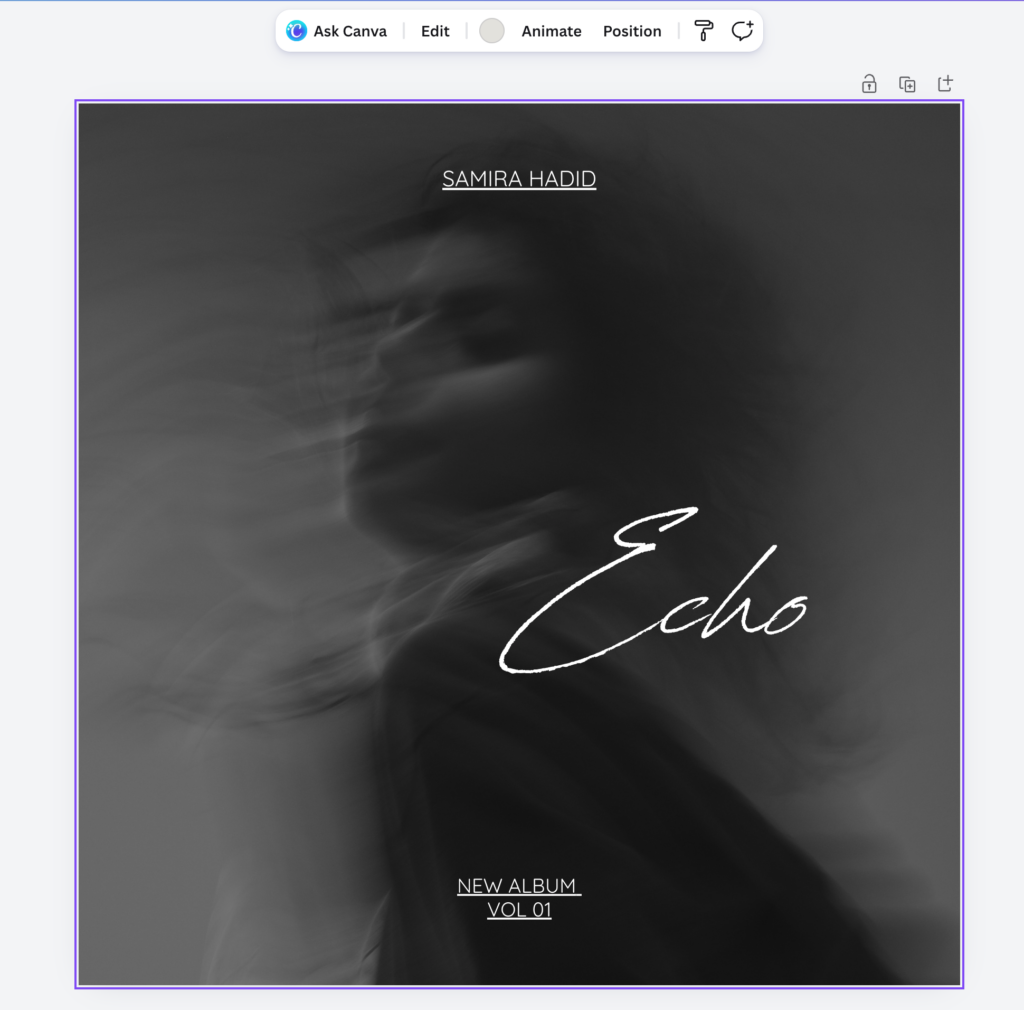
Use this Canva template to create the right size image. Simply upload your image, drag into the frame and move it to fill the frame.

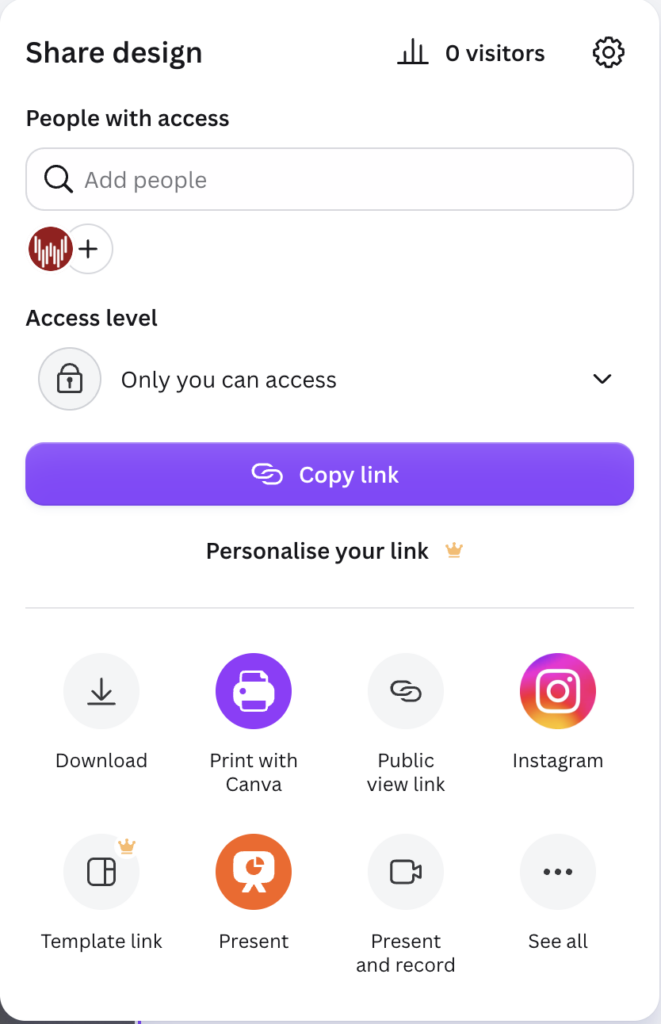
Then click the Share button at the top of the screen, Download and select a JPG or PNG.
Leave A Comment